How to make a new worksheet in one click
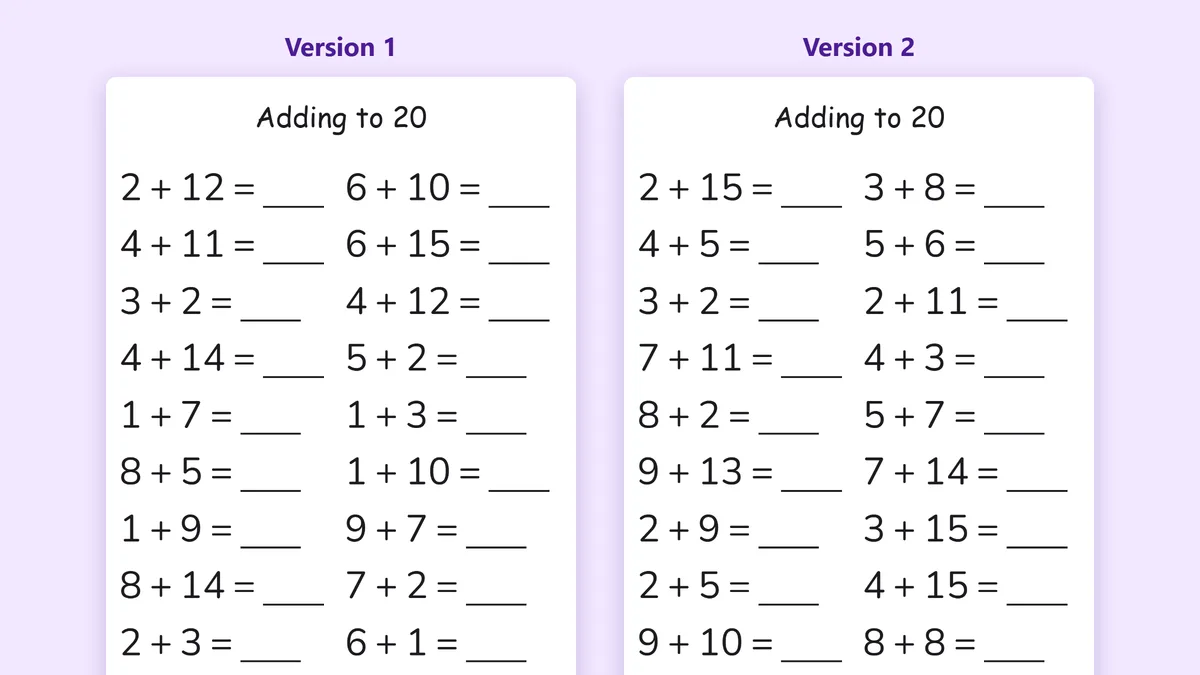
Every worksheet on Sowa is free to print, and many of them are dynamic: the numbers, letters and pictures are drawn fresh each time. You don't need an account, a template or any software. This short guide shows how to get a brand-new sheet in a few seconds.
1. Find a worksheet
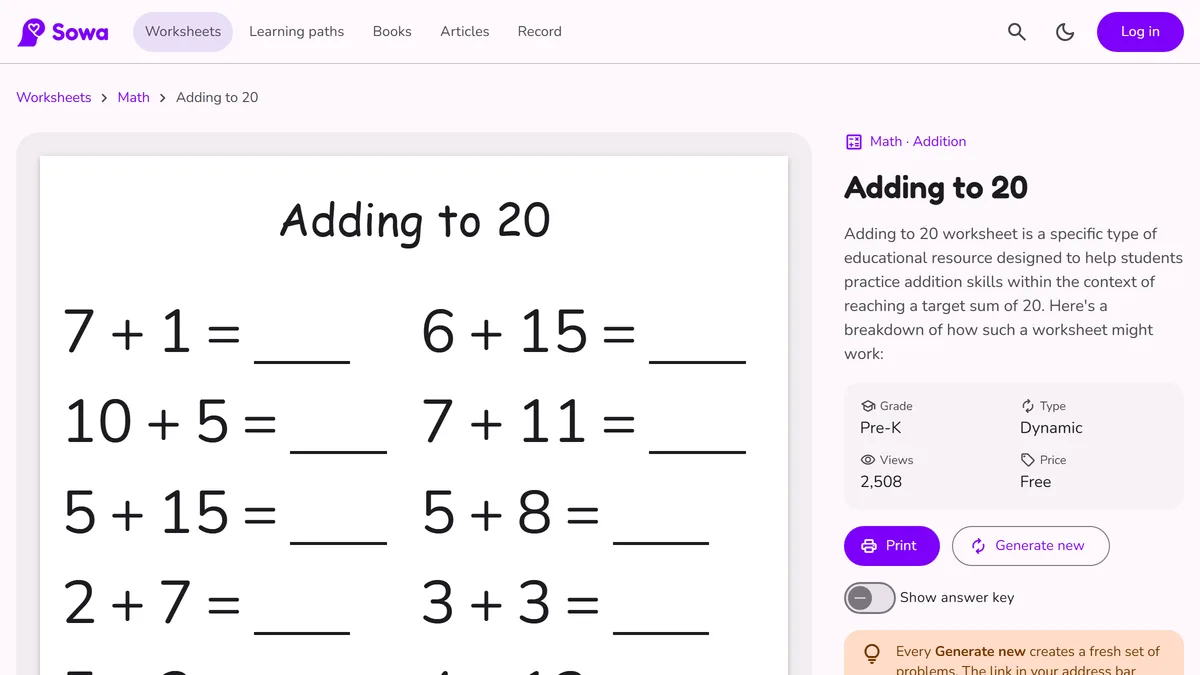
Open Worksheets and filter by subject (math, writing, reading) and grade, from Pre-K to 7th grade. You can also start from a topic page, such as addition, clocks or tracing. On each worksheet page, the Type field tells you whether the sheet is Dynamic (it can be regenerated) or Static (a ready-made sheet).
2. Click “Generate new”
On a dynamic worksheet, the Generate new button creates a fresh set of problems straight away, using the same layout and the same difficulty. Click it as many times as you like: each click gives you a different sheet.
3. Check the answer key
Many math sheets have a Show answer key switch. Turn it on to see the answers for exactly the version on screen, so checking takes seconds. Turn it off again before you print the copy for your child.
4. Print or download
Click Print to print only the worksheet, without the rest of the page. Some worksheets also have a Download PDF button.
5. Keep or share this exact version
After you click Generate new, the link in your browser's address bar changes. That link always opens this exact version. Save it, send it to another parent, or post it for your class, and everyone gets the same problems. It's handy when you want to print the answer key later or go through the sheet together.
Tips
- Print two versions of the same sheet: one for practice and one a week later, to see what stuck.
- Scroll down to Similar worksheets for the next step at the same level.
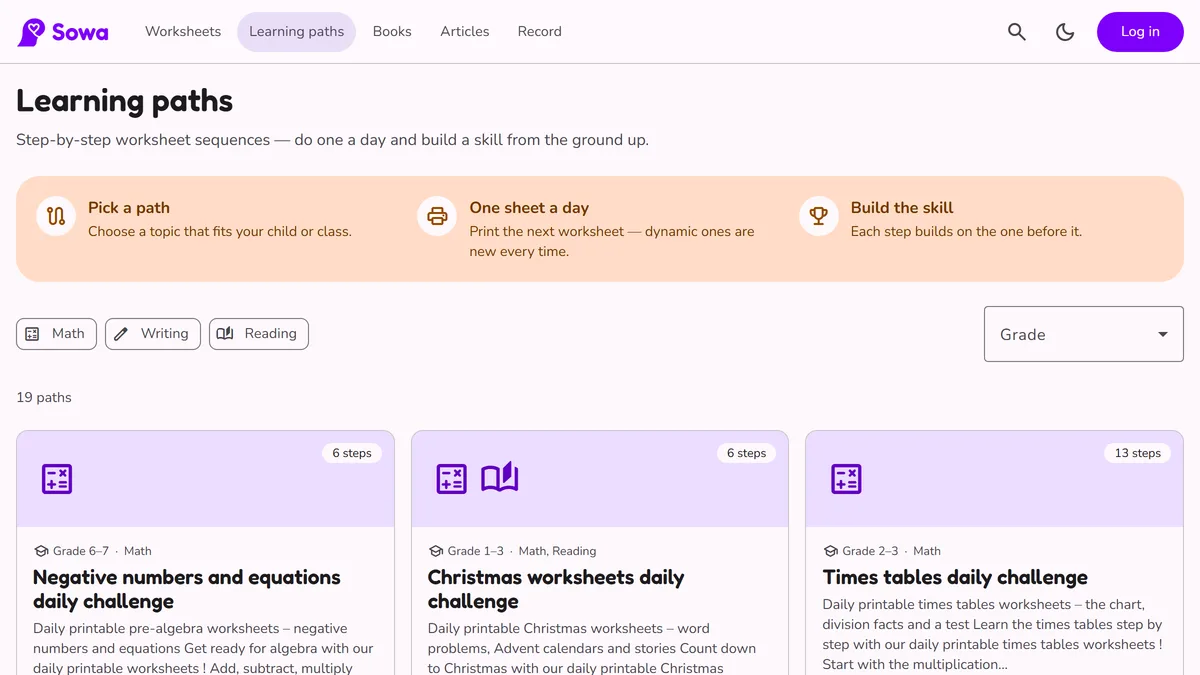
- Want a plan instead of single sheets? Try a learning path.