Reading aloud with Sowa: record, listen back and take a quiz
Reading aloud every day is one of the best ways to build a confident reader. With a free parent account, Sowa turns it into a short routine: your child records themselves reading any book, listens back, and then answers a few questions about what they just read. You get the recording, a simple analysis and the quiz result.
1. Set up a child profile
Create an account, then add your child on the parent page. Besides a name, a date of birth and a 4-digit PIN, set the Recording time (minutes): how long they should read, from 1 to 60 minutes (10 by default). For a beginner, 5 to 10 minutes is plenty.
2. The child picks their profile
On the tablet or computer they'll read with, open Who's learning?. The child taps their name and types their PIN, then opens Record.
3. Record the reading
- Choose Reading (the other option, Playing an instrument, is for music practice) and the Book language: English, Polish or Spanish, whatever the book is in.
- Press the big Start recording button and allow the microphone when the browser asks.
- Read! A timer and a bar show how close the goal is. Pause and Go on are there for a break.
- If the voice gets too quiet, the site says “A bit louder, please!” out loud and on screen. The recording pauses while it speaks, so the reminder doesn't end up in the reading.
- When the goal is reached, a little chime plays and the recording stops. Finish now ends it earlier, and Continue recording carries on in the same recording if they change their mind.
4. Listen back and save
The child hears how they sound, types the book's title under What did you read? and presses Save. If the tab closes or a phone call comes in halfway, the reading so far is kept on the device and offered back the next time the page opens.
5. The quiz: “What do you remember?”
Right after saving, the page shows Listening to your reading… and then Writing your quiz questions…. A few seconds later, the quiz opens by itself:
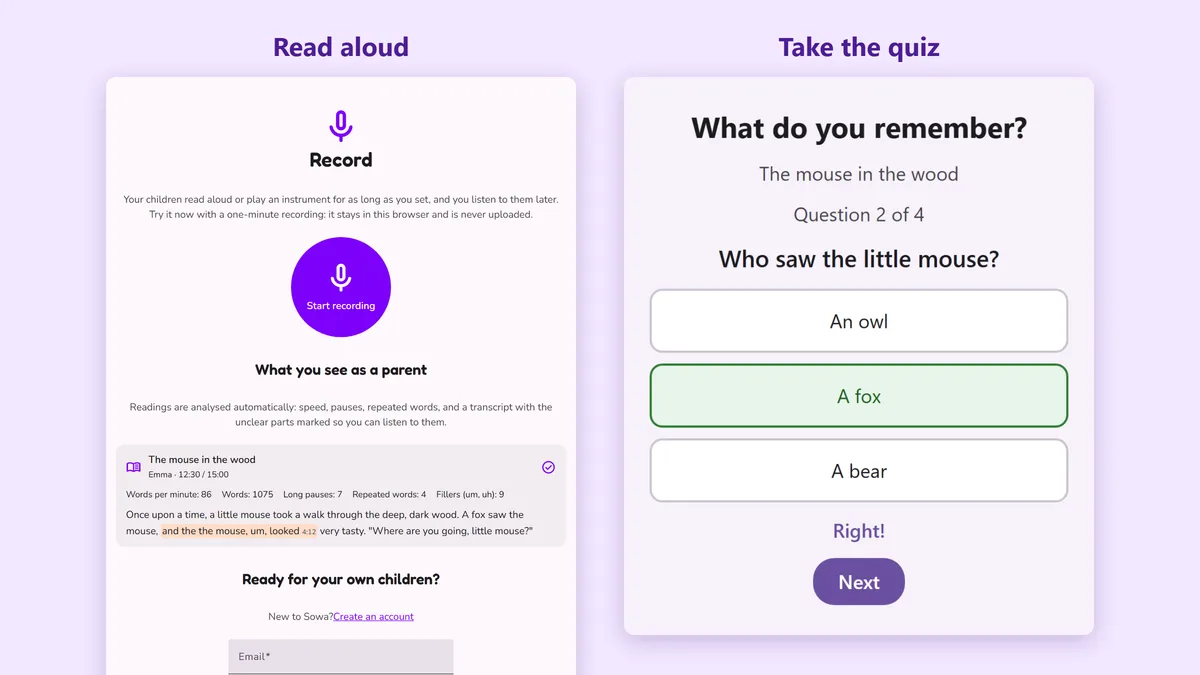
- 3 to 5 questions about the text, one at a time, each with three big answer buttons.
- A wrong answer isn't a dead end: the right one is shown straight away, so every question still teaches something.
- At the end, your child sees the score and a star for each right answer.
Each quiz is taken once, so the score shows what stuck the first time. If your child closes it to do it later, it waits under My recordings with a Take the quiz button.
How the quiz is made
There's no bank of ready-made questions: each quiz is written for this one reading.
- Speech to text. A speech-recognition model turns the recording into text, with the time of every word. The same transcript feeds the reading analysis.
- Questions from the text. An AI language model reads the transcript and writes simple questions for a young reader: who is in the story, what happened, why, and how it ended. Every question must be answerable from the text alone, and the two wrong answers must sound possible but be clearly wrong according to the story. Stumbles, repeated words and “um” are ignored.
- Checks. Sowa drops any question that doesn't have exactly three different answers with one right one, and shuffles the answers so the right one isn't always first. If fewer than two good questions are left, there's simply no quiz that time.
Because the questions come from what your child actually read aloud, the quiz works with any book: from the library, from school or from the shelf at home. A very short reading (under about 40 words) gets no quiz, as there's too little to ask about. For a long one, the questions cover its beginning and its end, where a story is set up and resolved.
6. What you see as a parent
Open Record with no child active. On the child's device, press I'm the parent and enter your password. For each reading you see:
- Words per minute, the number of words, long pauses, repeated words and fillers (um, uh).
- The transcript, with the parts that were hard to understand highlighted, so you can listen to just those.
- The quiz result, for example Quiz: 3 of 4 right, and under Quiz answers each question with your child's answer and the right one.
The analysis is a guide, not a grade. It doesn't know the book's text, so it can't count misread words; it shows how fluently your child reads and where they hesitate. All readings also show up day by day in the Calendar.
Tips
- Keep it short and regular: ten minutes every day beats an hour on Sunday.
- Talk about a wrong answer together and find the page where the answer was. That's comprehension practice too.
- Look at words per minute over weeks, not day by day, and compare similar books.
- A quiet room and the device close by help both the analysis and the quiz.
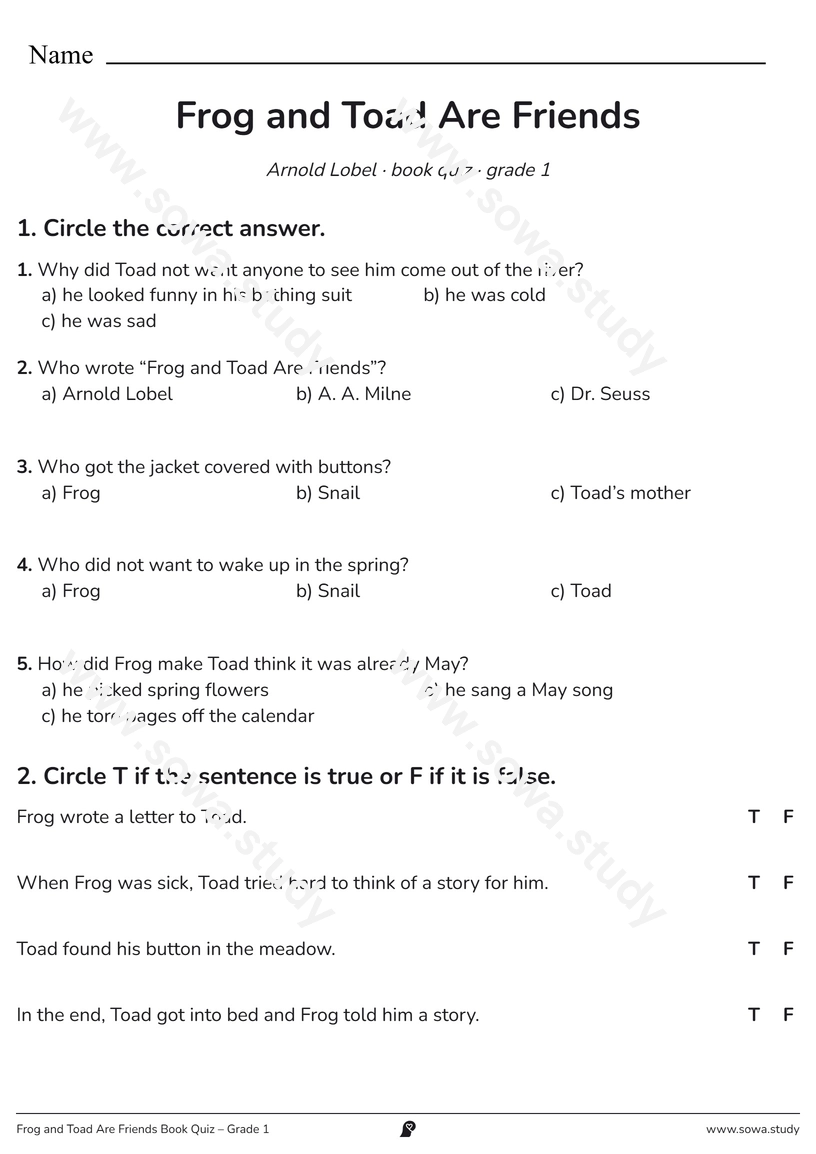
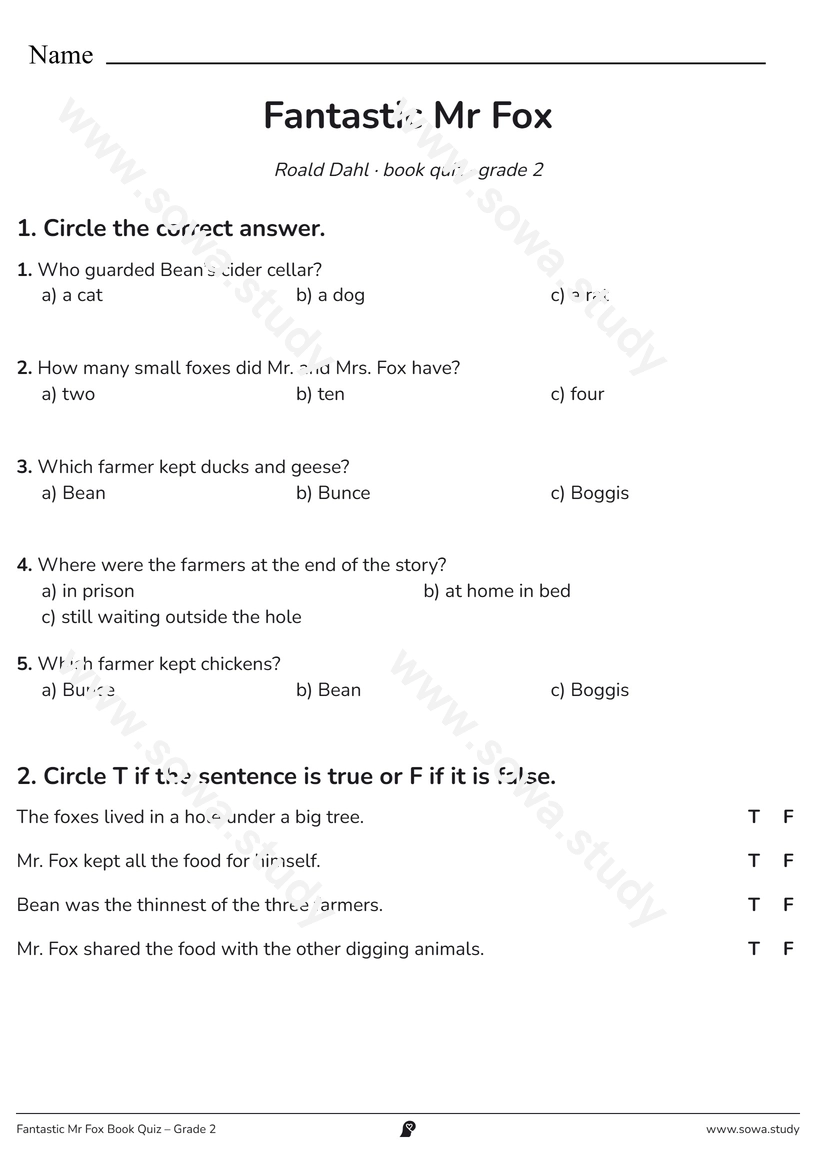
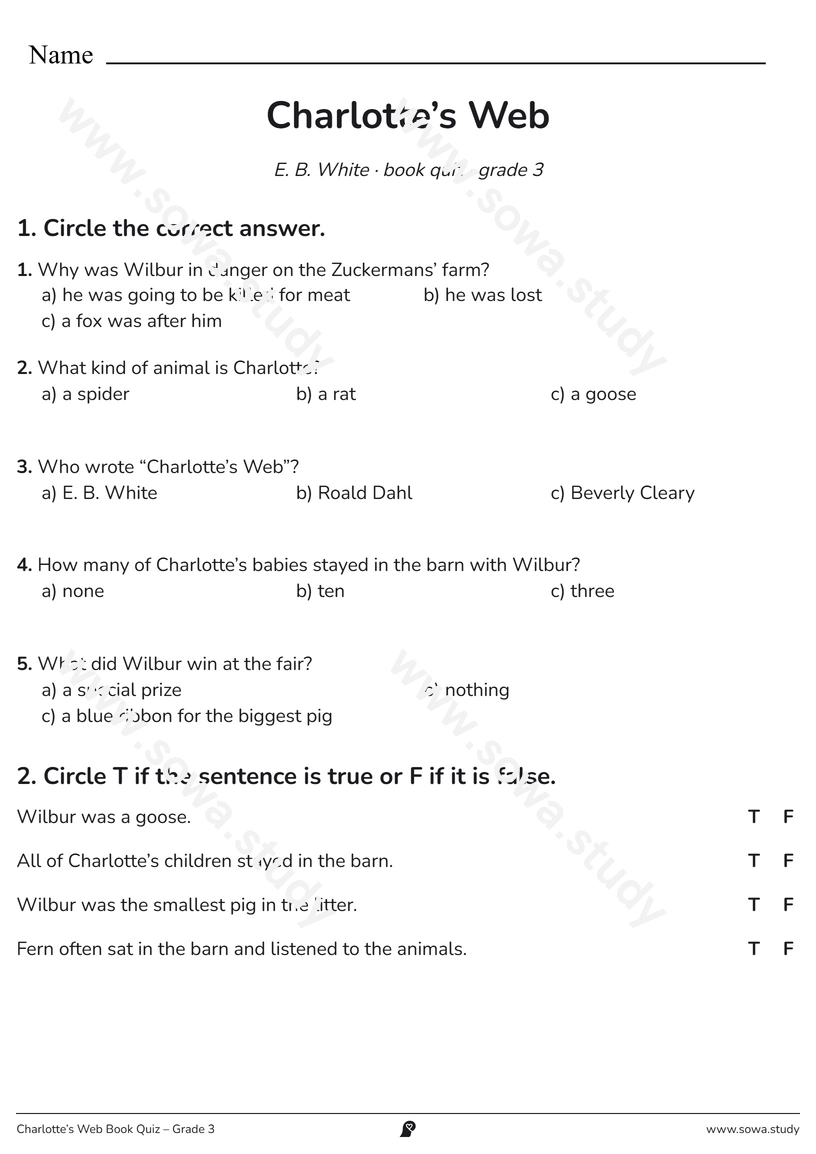
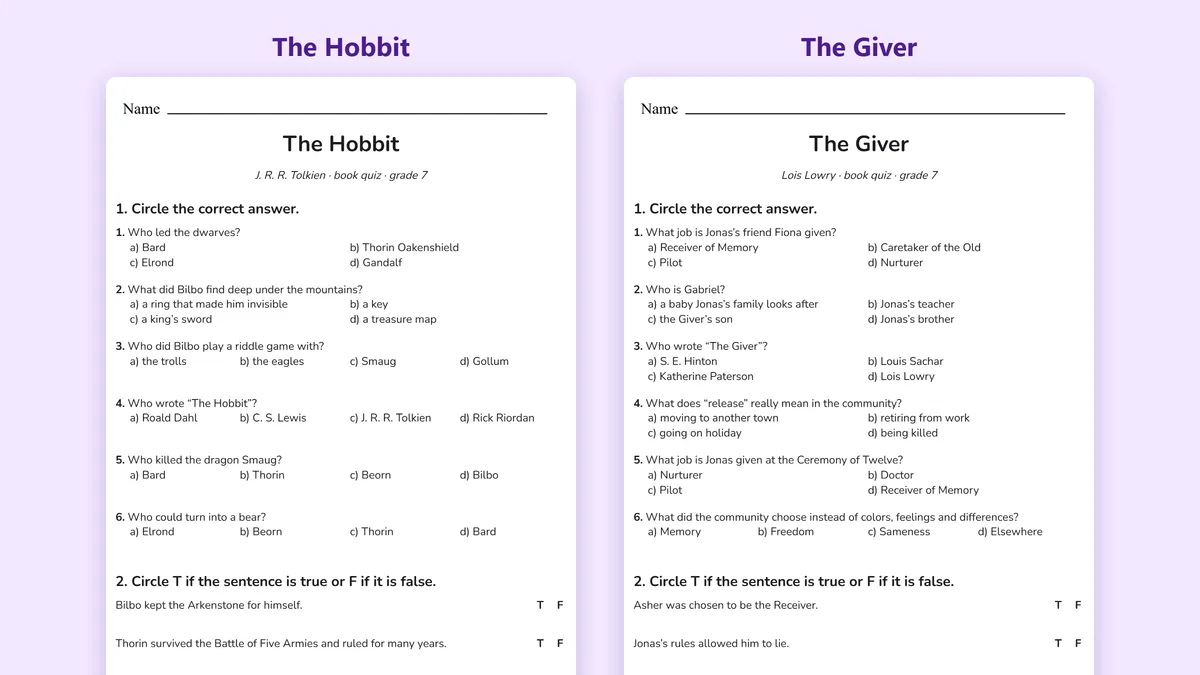
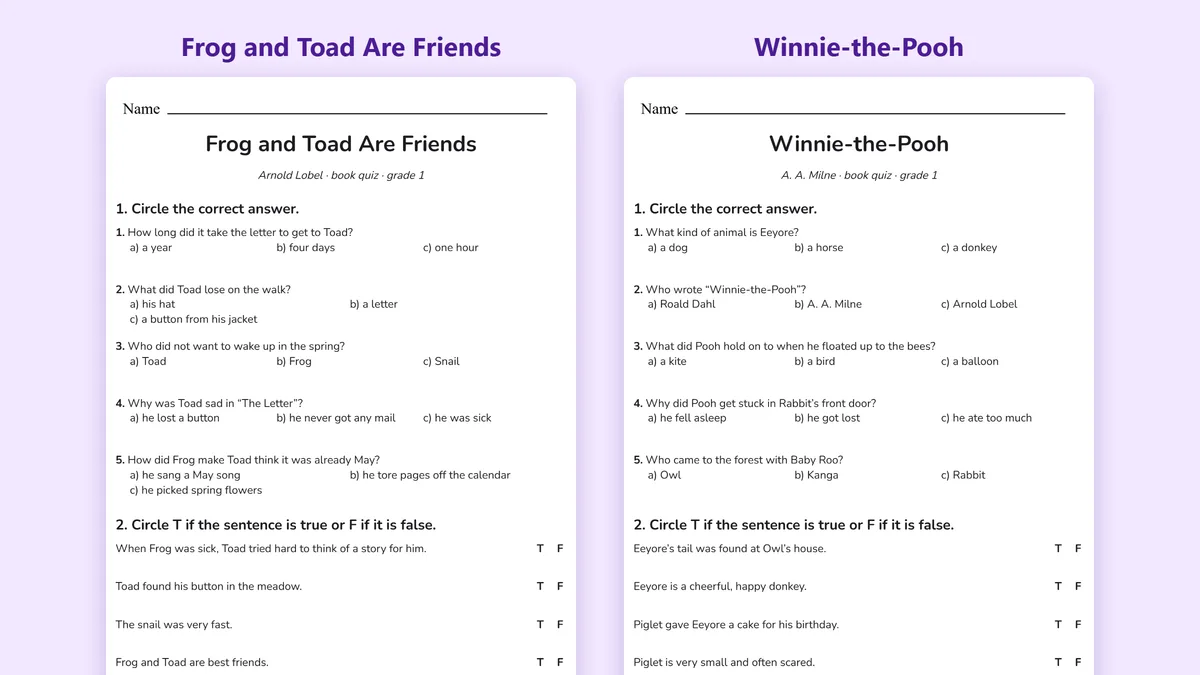
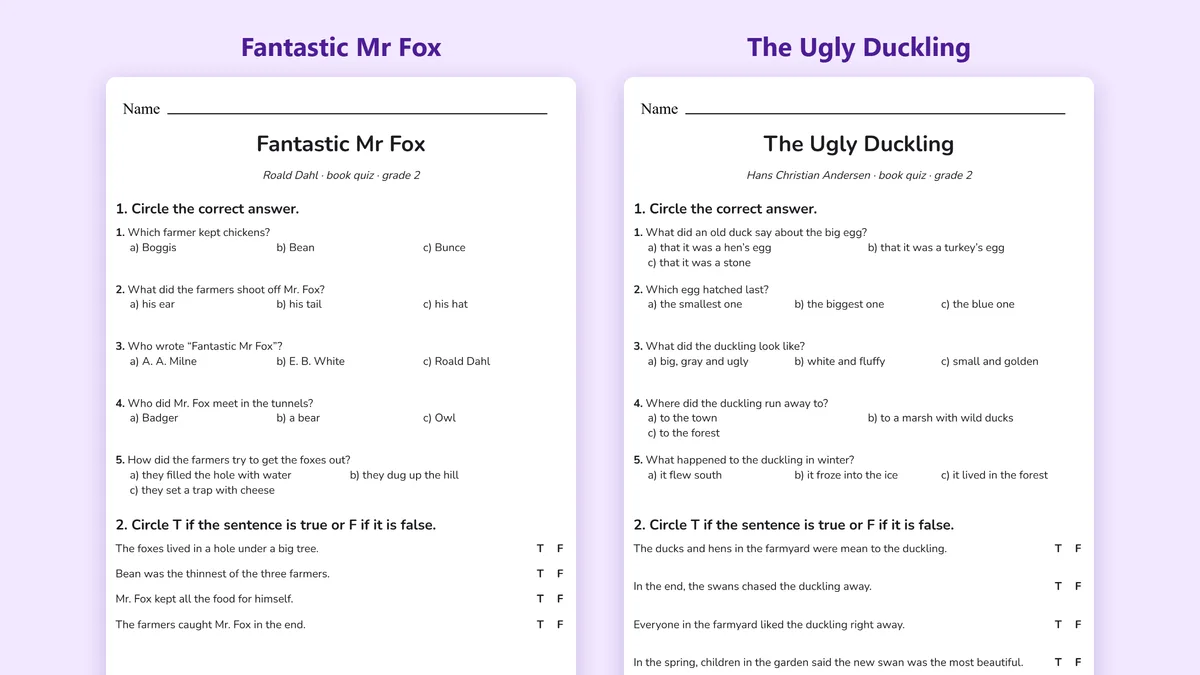
- For practice on paper, try the printable book quizzes below.
Privacy
Recordings are only available to your account, and the record pages aren't shown in search engines and have no ads or analytics. To make the analysis and the quiz, the recording is sent to a speech-recognition service and its text to an AI model, without your child's name. Removing a child deletes their recordings.
Not signed up yet? Open Record anyway and try a one-minute recording: it stays in your browser and is never uploaded.